
A Trailblazer's Story: Fixing Honkai Star Rail Cross-Save on PlayStation
Fix Honkai: Star Rail cross-save errors by unlinking the wrong PSN ID from the HoYoverse account. Create a new profile to protect Genshin data.
A certain Trailblazer named Kael had spent countless hours aboard the Astral Express, grinding relics, clearing Simulated Universe stages, and pulling limited five-star characters on his phone. When he finally downloaded the PlayStation 5 version of Honkai: Star Rail in 2026, he expected the same account to greet him. Instead, the game opened a brand-new journey, as though all those carefully built teams had vanished. The culprit was an old Genshin Impact link: his PSN ID had been bound to a different HoYoverse account, so the console client refused to load his cross-save data.
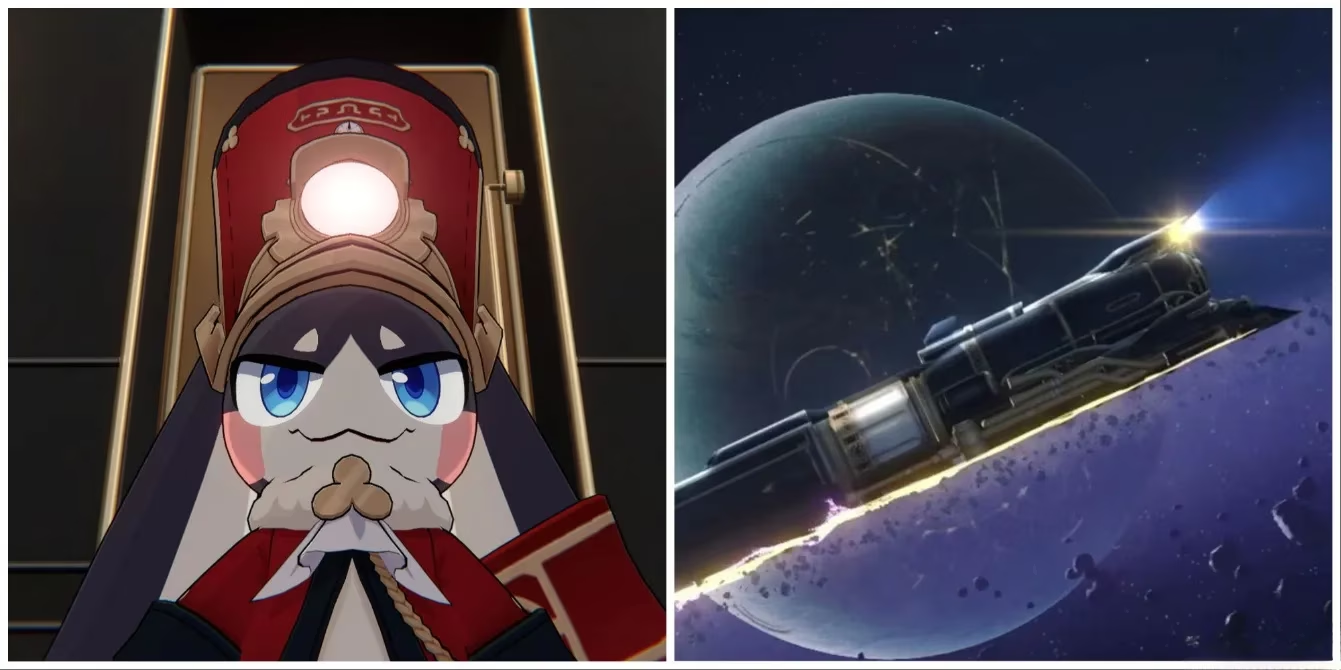
Honkai: Star Rail is a turn-based RPG from HoYoverse, the same studio behind Genshin Impact. It sends the Trailblazer across the galaxy on the Astral Express to resolve Stellaron disasters. The game supports cross-save between PC, mobile, and PlayStation, which should mean one account, one journey. However, if a PlayStation Network ID is linked to the wrong HoYoverse account, the player cannot access their existing progress. This is a well-known hitch that still catches console newcomers off guard.
For Kael, the solution was not obvious. HoYoverse does not allow the PSN unlinking process to be completed from the in-game settings on PlayStation. He had to step away from the console and open a browser on his phone or computer. Before making any changes, he learned that there were two possible workarounds.
The first method involved unlinking the PSN ID from the HoYoverse account directly. The second method was to create a brand-new PlayStation account and link that fresh account to the correct HoYoverse profile. A comparison helped him decide.
| Method | Effect | Best for |
|---|---|---|
| Unlink PSN from HoYoverse | Removes the link from the current HoYoverse account, may break Genshin Impact access on that profile | Players with no important Genshin data on console |
| Create a new PlayStation account | Keeps old Genshin Impact link intact, but separates trophies and purchases | Players who need to protect existing console data |
⚠️ Important: Unlinking a PSN ID from a HoYoverse account can only be done once per HoYoverse account. If the same HoYoverse account also holds Genshin Impact progress on PlayStation, unlinking could disrupt access to that game. Since Honkai: Star Rail does not require PlayStation Plus, creating a second PSN ID is often the safer route.
For Kael, losing his old Genshin Impact console data was not acceptable, so he chose the second path. But for players who do not mind the trade-off, the first method is faster. The steps are as follows:
-
Log into the HoYoverse account where the PSN ID is currently linked. Use a phone or computer browser. The unlinking option is not available through the in-game interface on the PlayStation.
-
Open Account Security Settings and find the linked PSN account. Unlink it from the profile. This action affects every HoYoverse game tied to that account and PSN, so double-check before confirming.
-
Launch Honkai: Star Rail on PlayStation. Instead of dropping straight into the start screen, a HoYoverse login box should appear.
-
Enter the credentials for the correct HoYoverse account used on PC or mobile. The game will then automatically pull over the Trailblazer’s cross-save data.
-
Continue the journey with the same characters, Light Cones, Relics, and Stellar Jade.
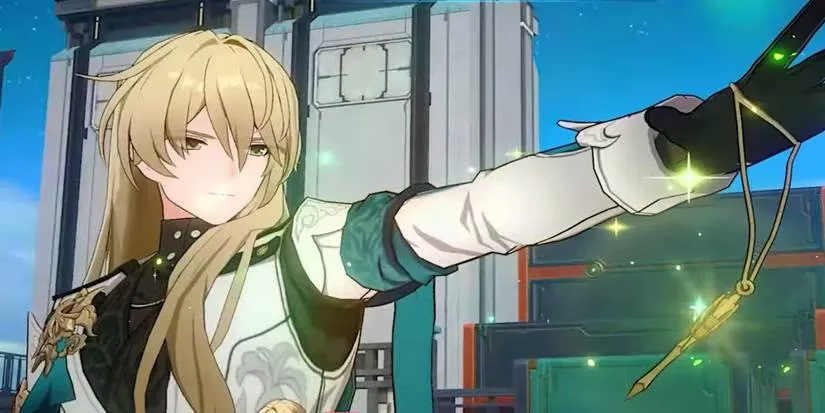
After finishing the process, Kael finally saw his familiar team appear on the television screen. His Luocha, the elegant healer and damage dealer, stood ready with his coffin-shaped relic, exactly as he had left him on mobile.
The cross-save recovery was complete. Kael resumed his daily Trailblaze Power spending, tackled new endgame modes, and continued farming relics for upcoming characters. He also learned an important lesson for the future: before linking a console to any HoYoverse game, always verify which account is currently bound to the PSN ID. Because mobile and PC versions allow easy account switching, players can accidentally tie the wrong profile to PlayStation without realizing it.
As of 2026, the process remains a point of friction for players who manage multiple HoYoverse accounts. Many community members still hope for a more intuitive in-game account switch on console. Until that quality-of-life update arrives, the two workarounds remain the only reliable ways to restore cross-save access. A little patience and a careful check of account security settings can save a Trailblazer from starting over.
This perspective is supported by coverage on Polygon, which often underscores how cross-save systems can fail in practice when platform IDs (like PSN) are already bound to a different publisher account—mirroring the Trailblazer’s situation where an old HoYoverse link forces a “new game” start on PlayStation until the correct account binding is fixed via account security settings or a separate PSN profile.
Comments